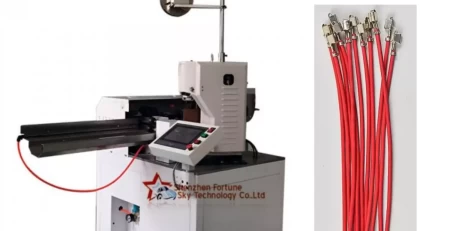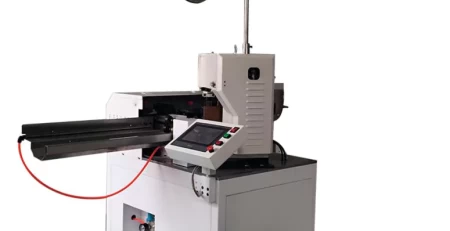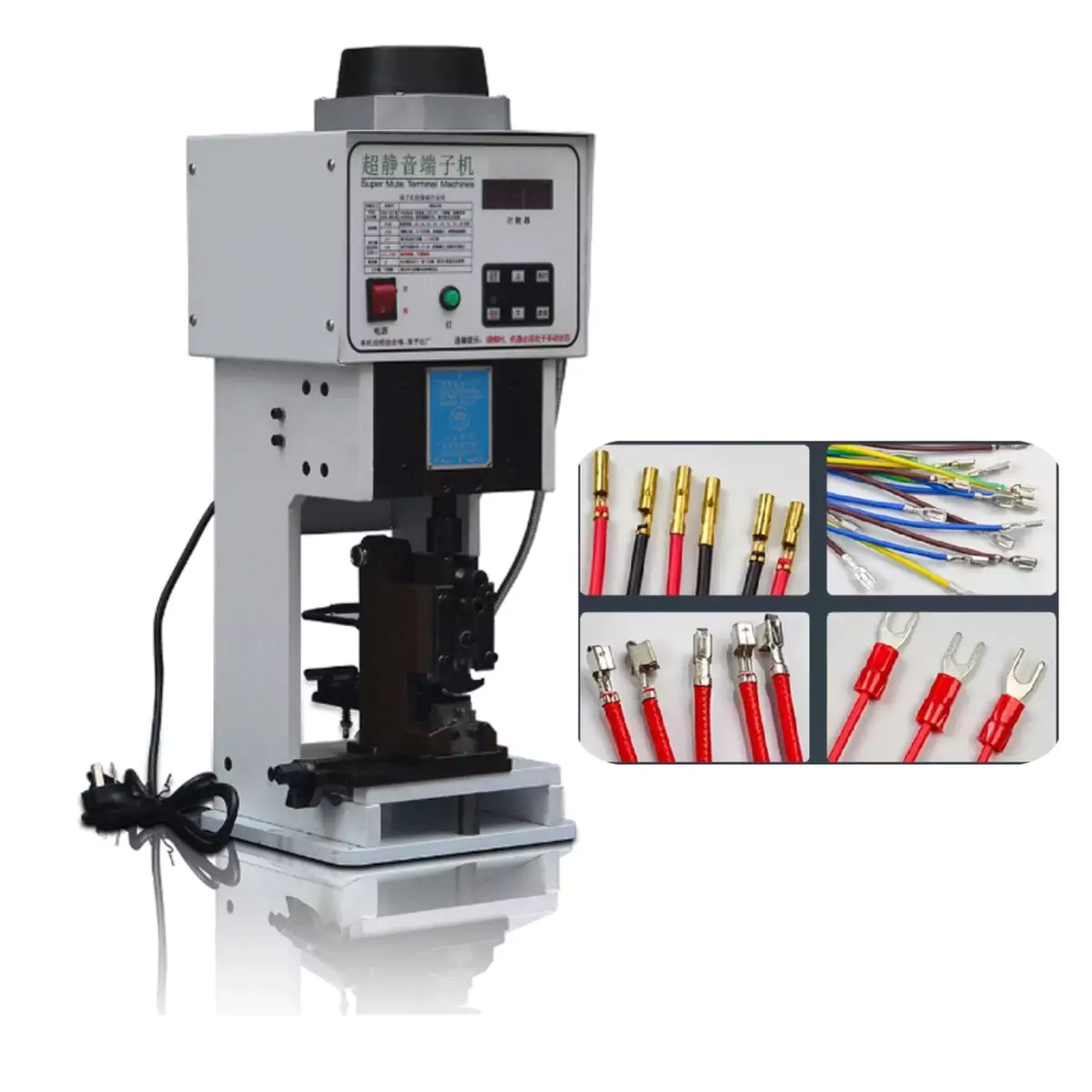
Introduction and Operation of the Silent Terminal Crimping Machine Control Panel
I. Functions and Usage of the Silent Terminal Crimping Machine Control Console Buttons
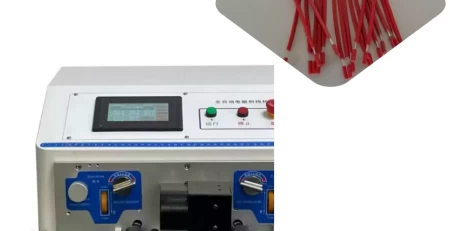
Main Power Switch: When the red button is pressed all the way down to the “Off” position, the entire machine’s power is cut off, and all machine activity stops. When the button is in the “On” state, the machine is energized, the motor starts running, and the timer displays a number.
This button controls the power light. Pressing this button turns on the light (the machine must be powered on). Pressing it again turns the light off. Using this light provides sufficient illumination for a safe operation.
The “Reset” button on the panel resets the counter to zero after being held for about 3 seconds. Pressing this button also switches between manual and automatic modes.
When the green light is on, the machine is in automatic mode and can only be operated with the footswitch.
When the red light is on, the footswitch is disabled. You can use the up and down buttons on the panel to turn the motor for die adjustments. It is crucial to use manual mode when adjusting the dies.
Press and hold this button for 3 seconds to enter the setting mode.
n=1: This is the number of crimps, which can be any number between 1 and 20. n=x means x is the number of continuous crimps. Hold this button to save the setting.
h=0: This is the continuous crimping interval time. (The parameter can be set from 0 to 20; a higher value means a longer interval).
C=0: This is a backup parameter and does not need to be changed.
L=00: This is a backup parameter and does not need to be changed.
To cancel continuous crimping, repeat this process and set the number of crimps to 1.
Press this button for F=50, which is the speed setting. d=15 is the crimping pressure. Hold the speed button to save the setting.
II. Important Considerations for the Silent Terminal Machine
The wrench must be removed before turning on the power switch.
Before starting, the punch must be adjusted to the highest point. Initially, you must manually adjust the pressure before starting to crimp terminals. If the pressure is not adjusted properly before starting, excessive pressure can cause the machine to jam or damage the blade. Avoid applying heavy pressure on a few terminals.
Ensure the voltage is normal (please use a voltage stabilizer) to extend the machine’s lifespan.
For safety, confirm that both hands are away from the machine before operating the power switch.
When the operator is adjusting the dies, the machine must be in manual mode (i.e., the indicator light is red).