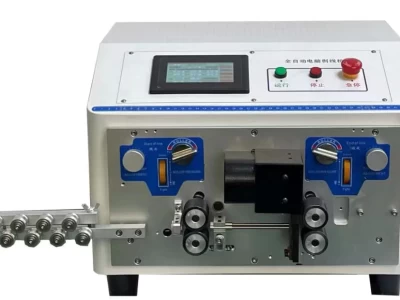
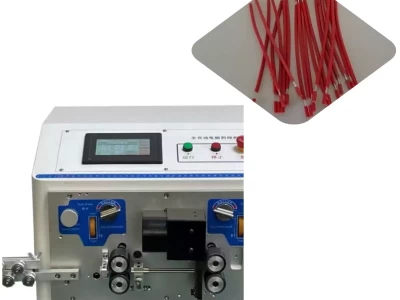
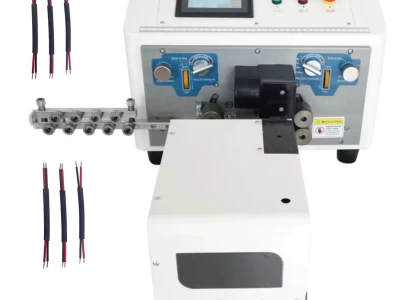
Boost wire stripping with our guide for automatic cutters. Contact us!
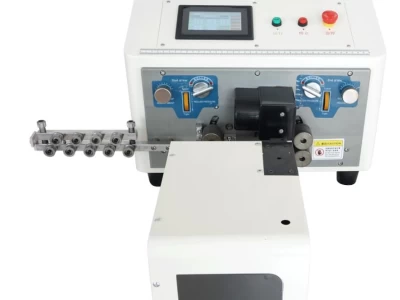
Wire Cutter & Stripping Machine: Max Performance! Easy Guide
Wire Cutter & Stripping Machine: Max Performance! Easy Guide Understanding the parameter settings of your automatic line knife and stripping machine is pivotal for effective operation. This companion walks you through the essential settings for speed, affair, line wringing, and more. Wire Stripping Parameters penetrating Settings With the machine idle( not recycling cables), press the" Twisting Setting" button. The display will show a flashing" Front Length" parameter. Inputting Values Use the buttons to directly enter the asked values.However, press" Clear" and re-up the correct value, If you make a mistake. Eventually, confirm the setting by pressing" Confirm." This process repeats for all parameters, including Front Length Front Half- Stripping Length Total Length reverse Half- Stripping Length reverse Length Blade Value Knife Retreat Navigation Use the" ←" and" →" buttons to move between flashing parameters. Press" Cancel" at any time to exit the settings and return to idle mode. Wire Stripping Speed penetrating Settings In idle mode, press the" Speed Setting" button. The display will show a flashing" Cutting Speed" parameter. Inputting Values analogous to line stripping parameters, use the buttons to enter asked speed values, confirm with" Confirm," and clear miscalculations with" Clear." The malleable speed parameters include Cutting Speed line Feeding Speed line Stripping Speed Pause Time Navigation Use the" ←" and" →" buttons to navigate parameters and" Cancel" to exit settings and return to idle mode. Affair Settings penetrating Settings While this automatic wire stripper is idle, press the" Speed Setting" button. The display will show a flashing" Total volume" parameter. Inputting Values Enter the asked affair volume using the buttons. Confirm with" Confirm" and clear crimes with" Clear." This process sets both the total volume and the setting number. Navigation Use the" ←" and" →" buttons to navigate parameters and" Cancel" to exit settings and return to idle mode. Wringing Settings penetrating Settings In idle mode, press the" Twisting Setting" button. The display will show a flashing" Front- End Twisting...