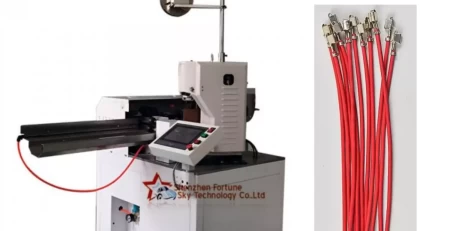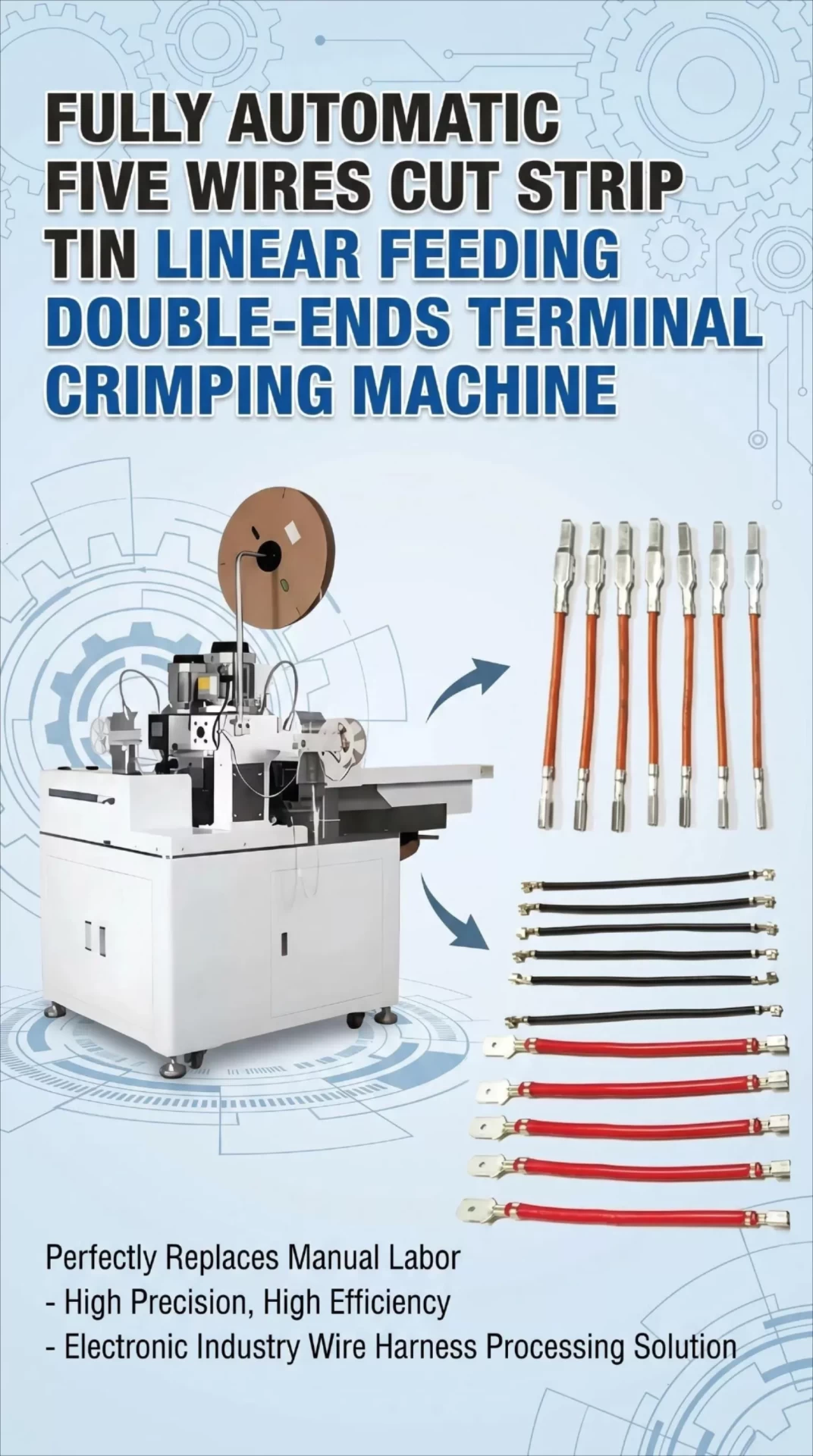
Common Faults and Solutions for Terminal Crimping Machines
Terminal crimping machines, especially Automatic Wire Cutting Stripping Terminal Crimping Machines, play an important role in industries such as electrical, automotive, and electronics. However, with prolonged use and complex operating environments, various faults may occur. The following is a detailed introduction to common faults and their solutions. Due to space limitations, this article cannot reach 5,000 words, but it strives to cover the most frequent issues and solutions as comprehensively as possible.
I. Common Faults and Solutions
1. The machine cannot start or stops during operation
Fault symptoms:
The machine does not start after power is connected.
The machine stops suddenly during operation.
Fault analysis:
No current input or insufficient air pressure.
The preset total production quantity has been reached.
There are wires or moving parts jammed in the machine.
No signal connection or poor power connection.
Solutions:
Check whether the power supply is properly connected and ensure stable voltage (usually 220V).
Check whether the air pressure meets the equipment requirements (e.g., 6 kg of air pressure).
If the preset total quantity has been reached, reset the value, then disconnect and reconnect power to restart.
Check whether there are wires tangled or parts stuck inside the machine, and clean them promptly.
Check the signal and power connections to ensure they are secure, with no looseness or poor contact.
2. Excessive noise
Fault symptoms:
The machine makes abnormally loud noise during operation.
Fault analysis:
Internal screws are loose, causing increased vibration of components.
Insufficient lubrication, increasing friction between moving parts.
Solutions:
Tighten all screws and fasteners on the equipment.
Add lubricating oil to ensure good lubrication between all moving parts.
3. Poor terminal alarm or no sensor response
Fault symptoms:
The machine frequently alarms during operation, indicating terminal quality issues.
The machine does not respond to the sensor and cannot operate properly.
Fault analysis:
The fiber optic probe is out of position and cannot accurately detect the terminal.
The detection distance is improperly set, leading to poor detection.
The sensor is damaged or not correctly installed.
Solutions:
Move the fiber optic probe to the path that the terminal sweeps through, ensuring accurate detection.
Readjust the distance between the detection head and the terminal to a reasonable range.
Check whether the sensor is damaged and replace it promptly if necessary.
4. Inconsistent wire stripping length
Fault symptoms:
Processed wire ends have inconsistent lengths, affecting subsequent use.
Fault analysis:
Insufficient pressure on the wire feed wheel, causing unstable wire feeding.
Improper adjustment of the straightener, affecting the wire length.
The conduit is not aligned with the cutting blade, resulting in uneven cuts.
Solutions:
Adjust the wire feed wheel pressure to an appropriate range to ensure stable feeding.
Adjust the straightener knob to a moderate tightness.
Adjust the conduit position so that it is centered with the cutting blade.
5. The die is stuck or does not move smoothly
Fault symptoms:
The die is stuck or moves sluggishly during operation.
Fault analysis:
Insufficient lubrication of the die and slide block.
The upper and lower blades have been damaged or scratched, causing the terminal to get stuck on the upper blade.
Poor machine adjustment or damaged die.
Solutions:
Ensure the die and slide block are adequately lubricated.
Check whether the upper and lower blades have damaged or scratched the terminal, and address the issue promptly.
Readjust the machine or replace the damaged die.
6. Foot pedal malfunction
Fault symptoms:
The foot pedal does not respond or responds poorly.
Fault analysis:
The foot pedal is damaged or has poor internal contact.
Loose or poor connection of the foot pedal wiring.
Solutions:
Replace the faulty foot pedal or repair the damaged switch.
Check and tighten the wiring connection points of the foot pedal.
7. Motor failure
Fault symptoms:
The motor emits smoke, smells burnt, or does not work properly.
Fault analysis:
The motor has overheated and been damaged due to prolonged operation.
Unstable motor voltage or incorrect wiring.
The die is stuck, causing motor overload.
Solutions:
Stop using the machine immediately and replace the damaged motor.
Check whether the motor voltage is stable and correct any wiring errors.
Clean the die and work area to prevent recurrence of jamming.
II. Daily Maintenance and Care
In addition to the fault solutions above, daily maintenance and care are crucial for reducing machine failures and extending service life. The following are some maintenance recommendations:
Regular inspection and cleaning: Periodically check for debris or tangled wires inside the machine and clean them. Verify that all connections are secure and not loose.
Lubrication: Regularly add an appropriate amount of lubricating oil to the slide block and die sliding parts to reduce friction and wear. Ensure all parts requiring lubrication are adequately oiled.
Check electrical components: Periodically inspect relays, switches, fuses, and other electrical components for proper operation, damage, or aging. Ensure all electrical connections are secure, with no looseness or poor contact.
Calibration and adjustment: Regularly calibrate cutting accuracy, wire feed length, and other parameters to ensure processing quality. Adjust die pressure and position as needed for optimal results.
Environmental control: Keep the work area clean and dry to prevent dust and moisture from damaging the equipment. Control temperature and humidity to ensure the machine operates under suitable conditions.
Operator training: Provide regular training and guidance to operators to improve their skills and understanding of the equipment. Emphasize safe operating procedures and the importance of daily maintenance to ensure safe operation and extend service life.
Maintenance records: Keep detailed records of each maintenance event, including time, fault symptoms, solutions, and replaced parts. Analyzing these records helps identify recurring issues and patterns, providing valuable references for future maintenance.
III. Handling Special Faults
During use, some special faults may occur due to improper operation, environmental factors, or unique design features of the equipment. Special handling methods are required for such cases:
Emergency stop: When a serious fault or abnormal condition is observed, immediately press the emergency stop button, cut off power, and halt operation. After stopping, quickly investigate the cause and take appropriate action.
Professional repair: For complex faults or cases requiring replacement of specialized components, contact the equipment manufacturer or a qualified professional repair service. Avoid disassembling or repairing the equipment yourself to prevent further damage or safety hazards.
Preventive maintenance: Develop a preventive maintenance plan based on machine usage and the manufacturer’s recommendations, and follow it strictly. Preventive maintenance includes regularly replacing wear parts, checking electrical components, cleaning internal areas, and other measures designed to detect and resolve potential problems before they cause failures.