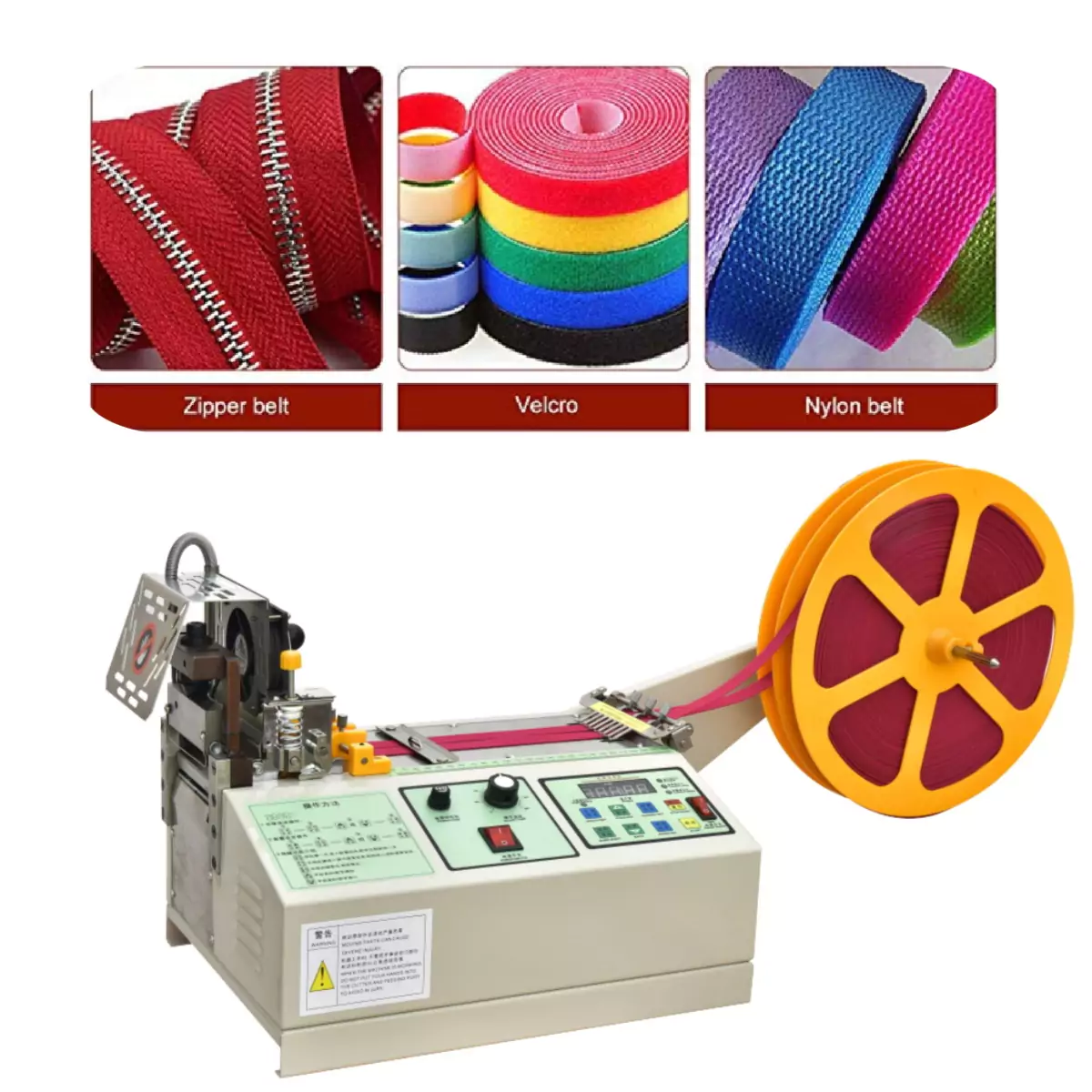
Is Your Loop Cutter Display Dead? Fix It Now!
Troubleshooting Your Jeans Loop Cutting Machine Display: A Guide to a Clear View
Is your jeans loop cutting machine‘s display malfunctioning? A clear view of your machine’s settings is crucial for efficient belt loop production. Don’t worry, this guide offers simple solutions to get your display back on track and keep your operation running smoothly.
Introduction: Ensuring Uninterrupted Production Efficiency
In the fast-paced world of denim manufacturing, display malfunctions in loop cutting machines can cause significant production delays. This comprehensive guide provides detailed troubleshooting methods for the most common display-related issues, along with expert preventive maintenance recommendations to maximize your equipment’s uptime and longevity.
Section 1: Overheating – Diagnosis and Resolution
Understanding Heat-Related Display Failures
Extended operation cycles often lead to thermal buildup, which can cause:
Temporary display freezing
Screen discoloration
Complete display shutdown
Step-by-Step Cooling Protocol
Immediate Shutdown Procedure
Press and hold the emergency stop button
Disconnect main power at the source
Allow full system cooldown (minimum 30 minutes)
Restart Sequence
Reconnect power supply
Initiate cold boot sequence
Monitor display performance for 5 minutes
Preventive Thermal Management
Implement scheduled cooling breaks during extended runs
Install auxiliary cooling fans for high-output environments
Conduct quarterly thermal imaging inspections
Section 2: Cold Start Challenges – Solutions for Initialization Issues
Identifying Cold Start Symptoms
Common indicators include:
Blank screen on startup
Intermittent display flickering
Error codes without operation
Advanced Power Cycling Technique
Full system power down (including peripherals)
30-second waiting period
Sequential restart:
Main power first
Control system second
Display unit last
When to Escalate
Contact technical support if:
Error persists after 3 power cycles
You observe burning odors
Machine fails POST (Power-On Self-Test)
Section 3: Connection Integrity – Ensuring Optimal Signal Transmission
Comprehensive Connection Audit
Critical checkpoints:
Main control board ribbon cables
Display interface connectors
Grounding wire integrity
Connection Maintenance Best Practices
Use anti-oxidation spray on contacts
Implement cable strain relief
Replace connectors showing wear
Section 4: Advanced Preventive Maintenance Program
Scheduled Maintenance Checklist
Daily:
Visual inspection of display unit
Ventilation clearance verification
Weekly:
Compressed air cleaning of internal components
Connection integrity check
Monthly:
Firmware version verification
Backup of display settings
Full diagnostic test cycle
Section 5: Troubleshooting Flowchart
Conclusion: Maximizing Equipment Reliability
By implementing these structured troubleshooting methods and maintenance protocols, manufacturers can:
Reduce unplanned downtime by up to 70%
Extend display component lifespan
Maintain consistent production quality
Technical Support Recommendation: For persistent issues, schedule a professional calibration service every 6 months to ensure optimal performance.
Appendix: Quick Reference Guide
Emergency shutdown procedure
Technical support contact information
Recommended spare parts inventory
This enhanced version provides garment manufacturers with a complete, actionable guide to maintaining display system reliability in their loop cutting operations. The structured approach enables quick diagnosis and resolution of issues while emphasizing preventive measures to avoid future problems.